
Take donations on your partners' websites
Turn a form on, list the websites where it should appear and copy one code to paste there. The form still comes from your own site, so donors' details never pass through theirs, and you see what each website has raised.
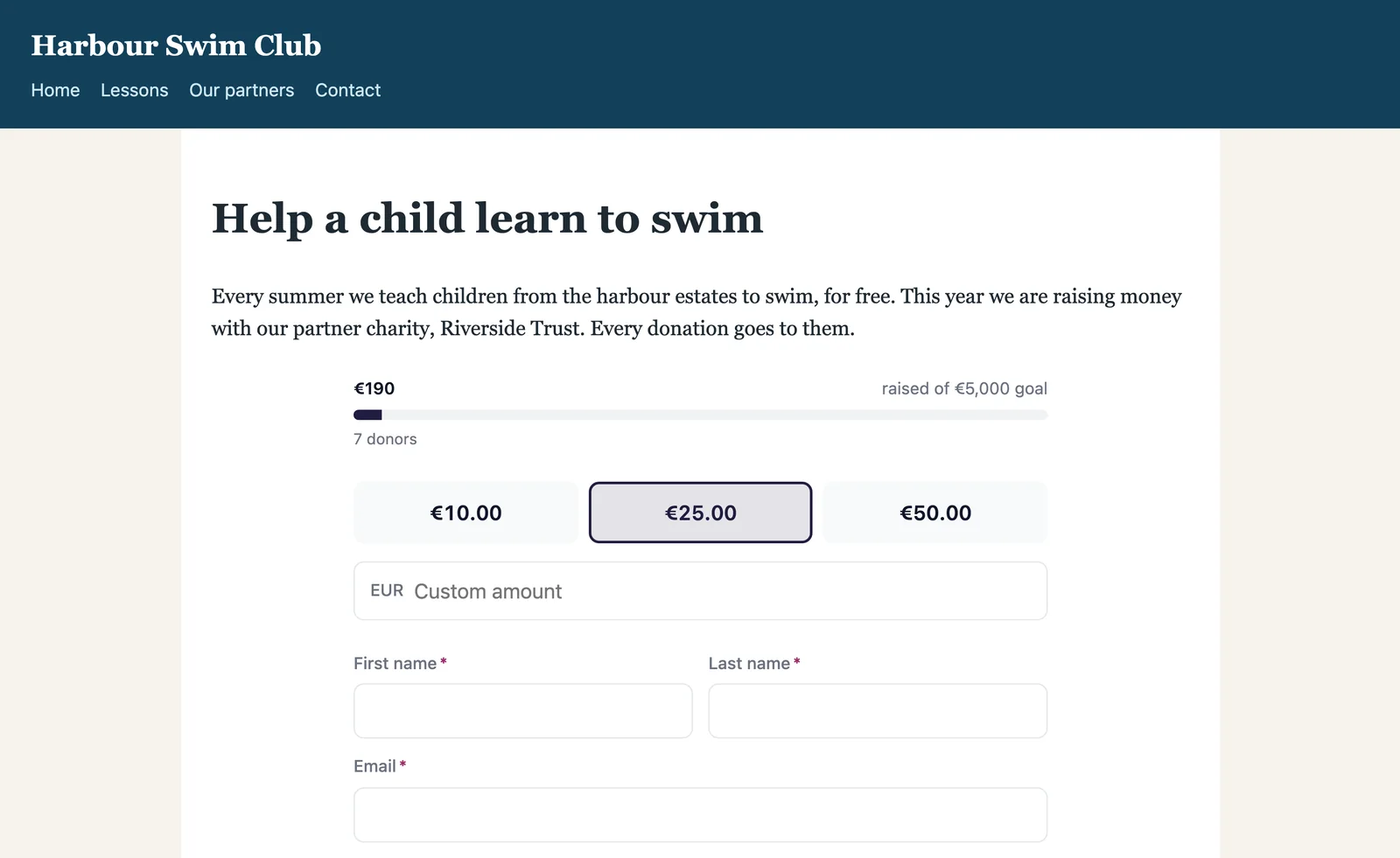
What it does
-
The form still comes from you
The form is shown from your own site inside the other website's page, so what a donor types never passes through that website. Each donation lands in your records like any other.
-
Only on the websites you list
Type a website's address, like partner.org, and the form can show there, with or without www. A website you have not listed shows only the Donate link.
-
One code for every website
Each form has one code for all its websites. Paste it into your website builder's HTML or code block, or send whoever runs the website a ready message with the code and where it goes.
-
A link where code cannot go
Some websites cannot hold code. Put the form's Donate link on a button or in a menu there instead. The code carries a Donate link too, so visitors always have a way to donate.
-
What each website has raised
Beside each website, the form shows what its donations have raised and how many there were, after refunds. Recurring donations started there keep counting as they renew.
-
Yours to turn off
Remove a website, or switch the form off for every website at once. Within a minute, visitors there see only the Donate link, which opens your campaign page.
From your form to a partner's page
-
1
Turn the form on
In the form's settings, open Embed and switch on Show on other websites.
-
2
List the websites
Type the address of each website where the form should appear, then copy the code. A preview shows how visitors will see it.
-
3
Paste the code, or send it
Paste it into the website builder's HTML or code block, or send the ready message to whoever runs the website. Donations made there are counted for that website.