The Payment Gateways add-on adds five payment processors to Gratora: Authorize.Net, Square, GoCardless, Moneris and Razorpay. Donations through them land in the same records, receipts and reports as Stripe, PayPal and offline donations. It is part of every plan.
What it adds
| Processor | How donors pay | Recurring donations |
|---|---|---|
| Authorize.Net | Card, through your own merchant account | Yes |
| Square | Card, through your own Square account | Yes |
| GoCardless | Direct Debit from a bank account | Yes |
| Moneris | Card, through your own Moneris store | No, one-time donations only |
| Razorpay | UPI, card, netbanking or wallet, in Razorpay’s own checkout | Yes |
Most organizations need only one of these: the one your bank or country already uses.
Each processor takes donations in the currency its account settles in. The settings card tells you which one it is, and donations in any other currency are not offered through it.
Where the settings live
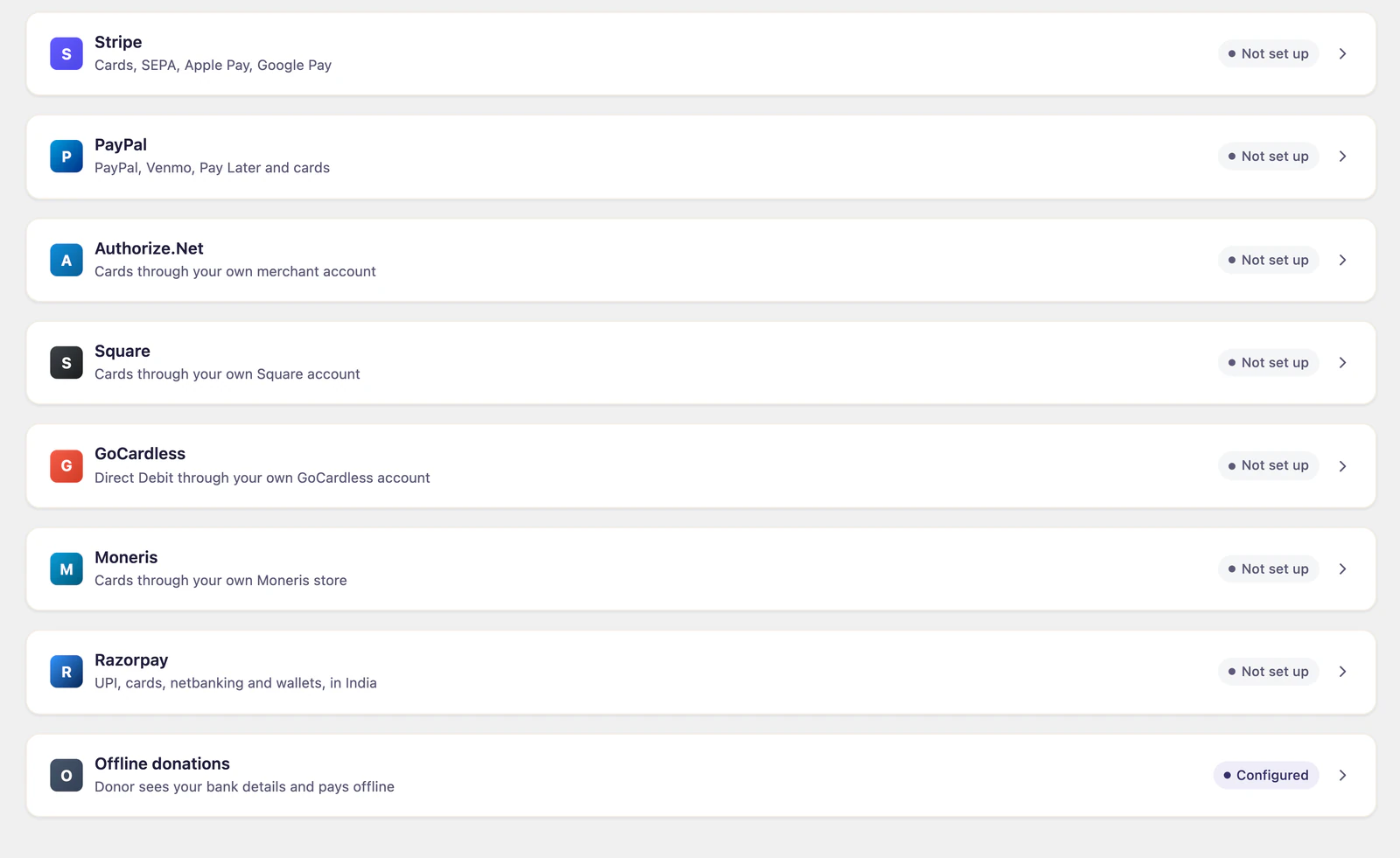
Go to Fundraising > Settings > Payment gateways. Each processor has its own card beside Stripe, PayPal and offline donations, with its own status.
Set up a processor
- Go to Fundraising > Settings > Payment gateways and open the card for your processor.
- Enter the credentials from your processor’s dashboard. Each card says where to find each one.
- Click Check and save. Gratora checks the credentials with the processor before it saves them, and stores them encrypted.
- Copy the webhook URL from the card into your processor’s dashboard, then paste the secret or signature key the processor gives you back into the card and click Check and save again. Moneris has no webhook to set up.
Each card has separate test and live credentials. Test donations, made while test mode is on, use the test credentials, and real donations use the live ones. Set up test credentials first to try a donation safely. See Test mode and sandbox.
A processor appears on your donation forms once its credentials for that mode are saved, next to Stripe and PayPal wherever a donor chooses how to pay. If a form limits which gateways it offers, tick the new one in the form’s settings. See Form settings.
The webhook matters
Your processor uses the webhook to tell Gratora about things that happen after the donor leaves the page: a monthly donation charged on the processor’s own schedule, a refund made in its dashboard, a failed payment. Without it those never reach your records. Each card shows what is missing while the webhook is not set up.
| Processor | Where the webhook goes |
|---|---|
| Authorize.Net | The Authorize.Net dashboard, subscribed to the transaction and subscription events. Also enter the signature key on the card. |
| Square | The Square developer dashboard, subscribed to the events the card lists. The URL has to match exactly. |
| GoCardless | Your GoCardless dashboard, under Developers, Webhook endpoints. Required: a Direct Debit is only marked paid when GoCardless confirms it, days later. |
| Razorpay | The Razorpay dashboard, subscribed to the payment, refund and subscription events. |
GoCardless works differently
A Direct Debit is not taken while the donor watches. The donor leaves your site to set up the mandate at GoCardless and comes back. The donation then shows as processing until the banks confirm it a few days later, and the donor is told the date the payment will be taken.
Refunds are switched off on a new GoCardless account. Ask GoCardless support to turn them on, then save the card again. The card tells you if they are still off.
Moneris takes one-time donations only
Moneris can bill a card on a schedule but never tells Gratora when it does. To offer monthly donations as well, set up a second processor beside Moneris, and donors see both.
Refunds and recurring plans
Refunds, receipts and recurring plans work the way they do for every other gateway, from the same screens under Fundraising > Donations and Fundraising > Subscriptions.