
The Tributes add-on lets donors give in honor or in memory of someone. The dedication is recorded with the donation, the person the donor names can be told by email, and the donor can ask for a yearly reminder on the anniversary. It is part of every plan.
What it adds
- A Tribute block for your donation forms, with dedication types you define.
- An In Memoriam form template, for donations in lieu of flowers.
- An optional email to someone the donor names, with a note from the donor.
- An optional yearly reminder to the donor, inviting them to give again. It never charges them.
- A section in the donor portal where donors can add or change a dedication after they have given.
Add a tribute to a form
- Go to Fundraising > Campaigns, open the campaign and switch to its Forms tab.
- Open the form in the form builder.
- Open the block inserter and add the Tribute block from the Extras category.
- In the block’s settings, set up the dedication types under Options, for example “In honor of” and “In memory of”. Each one becomes a choice for the donor.
- Under Extras, choose whether donors may notify someone and whether they may ask for a yearly reminder.
- Save the form.
To start from a ready-made memorial form instead, click Add new form on the campaign’s Forms tab and pick the In Memoriam template.
What the donor sees
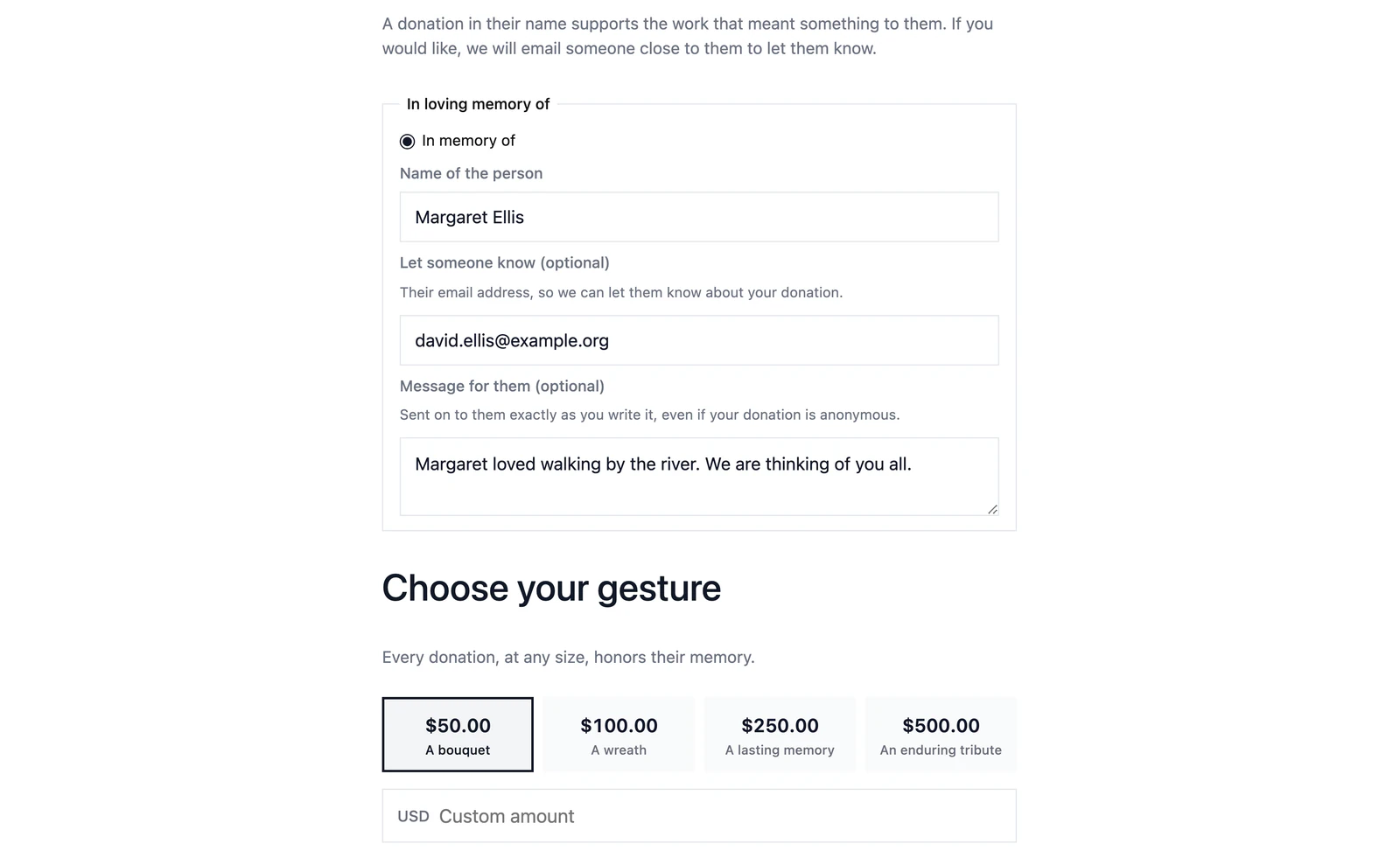
The donor picks a dedication type and enters the person’s name. If you allow it, they can also give an email address for someone to let know about the donation, write a message for them, and ask to be reminded on this date every year.
The emails
Two emails come with the add-on. Edit their wording under Fundraising > Settings > Emails.
| Who gets it | When | |
|---|---|---|
| Tribute notification | The person the donor asked us to notify | When the donation completes |
| Tribute annual reminder | The donor | Each year on the anniversary of the dedication, if they asked for it |
The notification is never sent for a test donation, and never names a donor who gave anonymously. The donor’s own message is passed on exactly as they wrote it. If your mail server refuses a notification, Gratora tries again for about eight days.
Donors stay in control
Donors can add a dedication to a past donation, change it, or stop the yearly reminder from their donor portal. See Donor portal.